




Next Steps
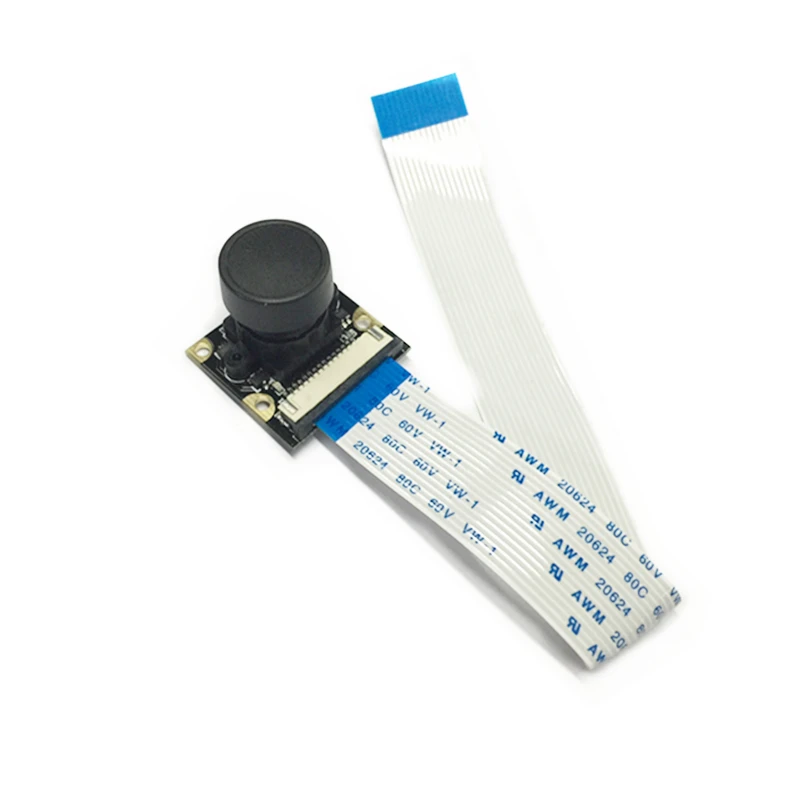
Take more pictures for my data set using pi camera. write a small python script for my pi to take picture every 1/2 second and save it in a certain folder while i drive my robot manually. Install tensorflow, download my data set on pi and run my python script on my to see the results. Add robot directions to pi based on what the program predicts.


Comments
Post a Comment